
How to select every atom or object of the same kind
Select one atom, bond or object, press Ctrl+K and choose Select same. Every atom of that element, every bond of that type, or every object of that kind and color is selected.
Steps
Select one example: an atom, a bond, an arrow, a shape or a text block. With the keyboard, move to an atom with Alt+. and press Enter.
Press Ctrl+K, type Select same, and press Enter.
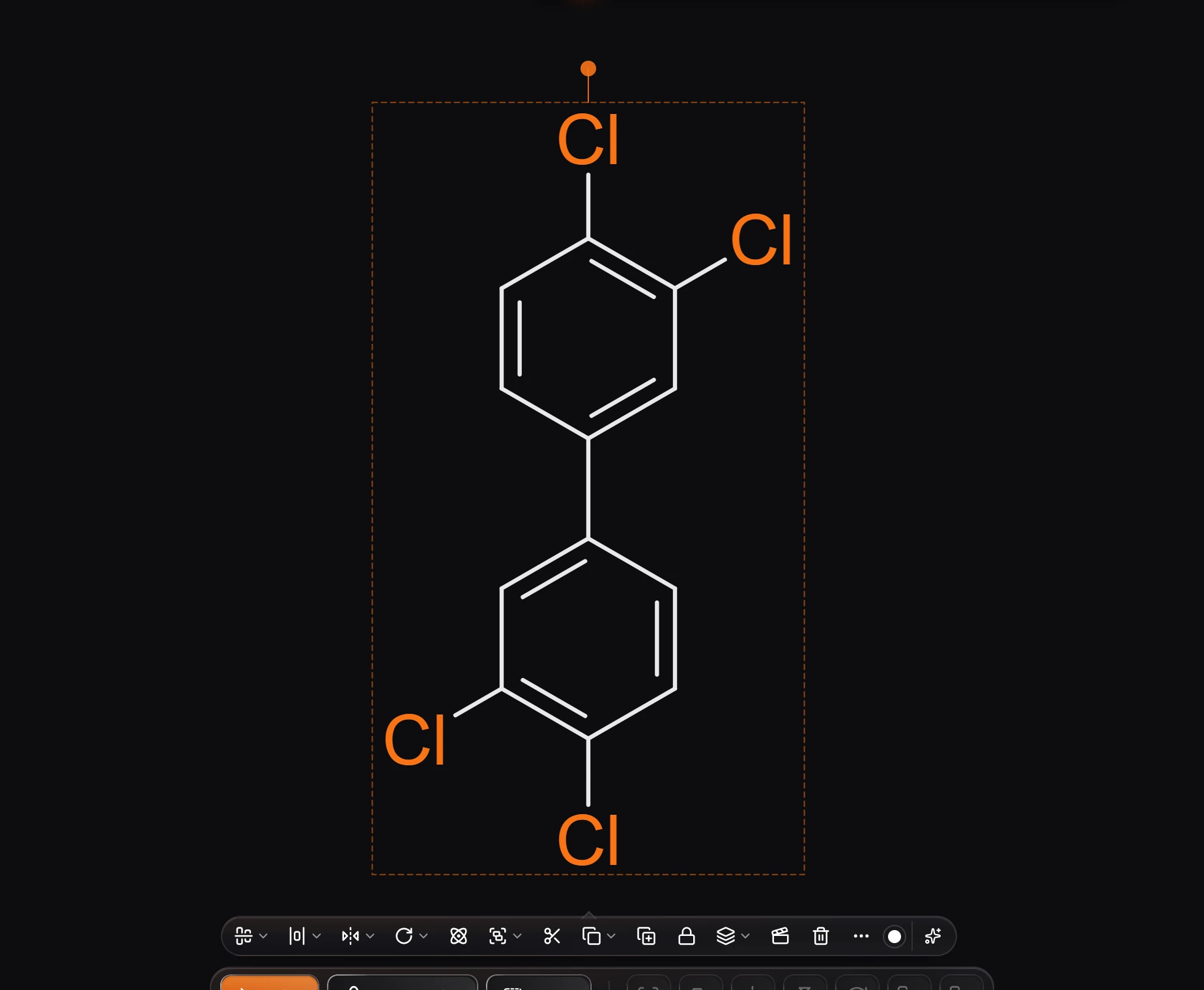
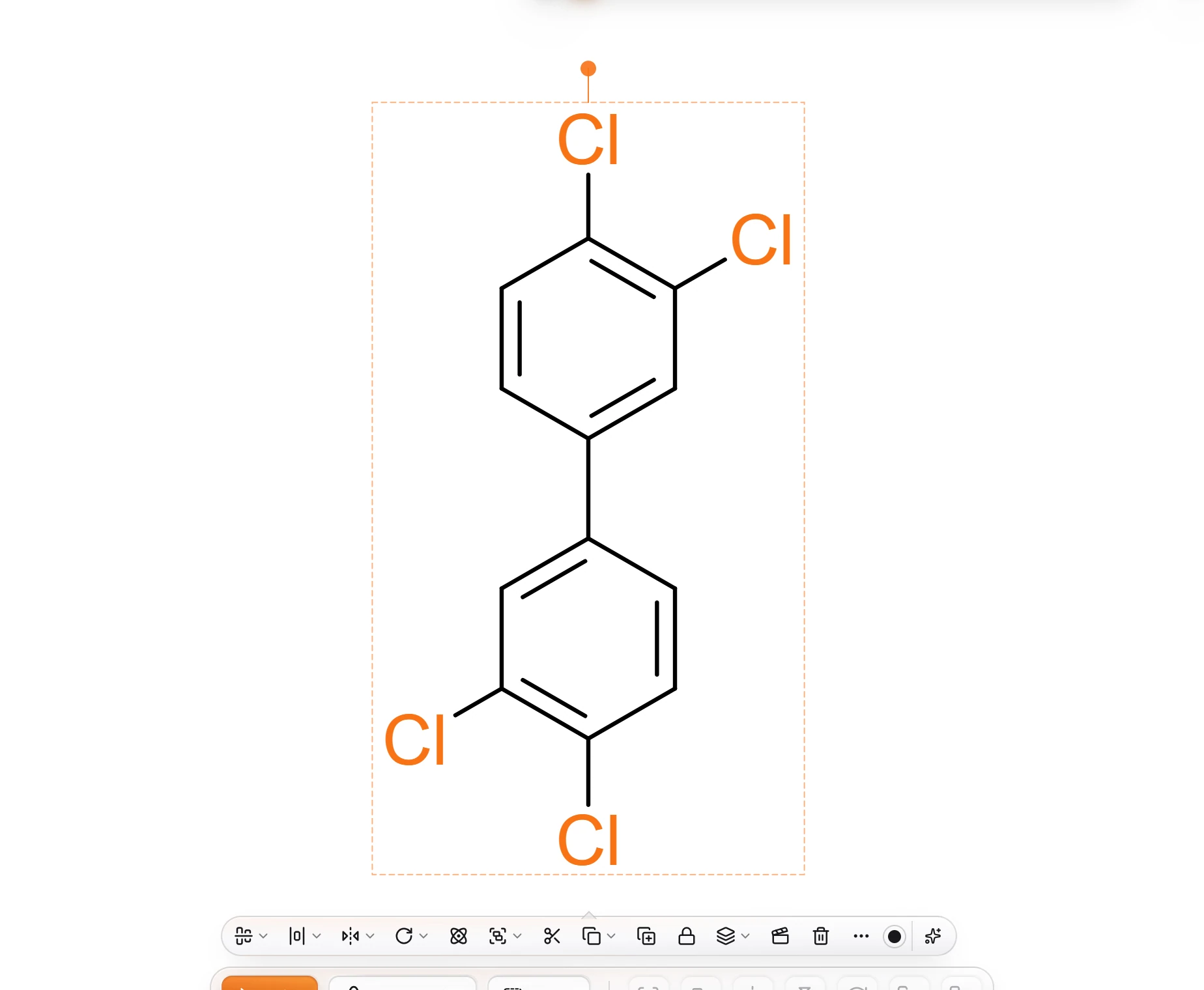
Everything like it is selected, and the status line says how many, for example "Selected 4 atoms".
What counts as the same
| You selected | Select same picks |
|---|---|
| An atom | Every atom of the same element |
| One bond | Every bond of the same type |
| An arrow, shape or text | Every object of the same kind and color |
Selecting a chlorine and an arrow together selects every chlorine and every arrow like that one.
Then change them all at once: recolor them, copy a style onto them, or delete them.
Is this helpful?
Last updated Nov 12, 2026
- Still stuck? Read the FAQ or contact support.
- Something wrong on this page? Tell us.
- For AI tools: llms.txt