
How to find a structure on the page
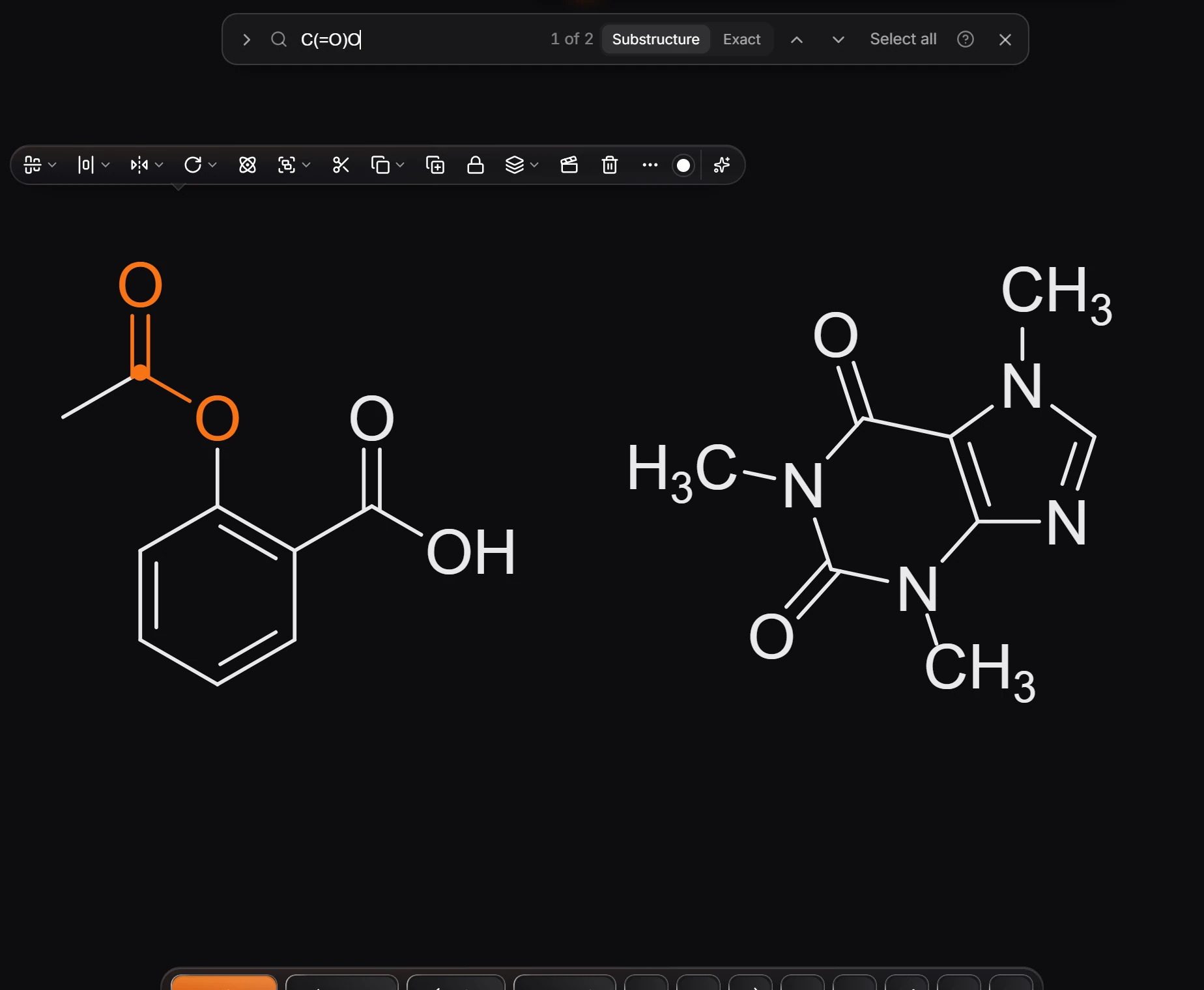
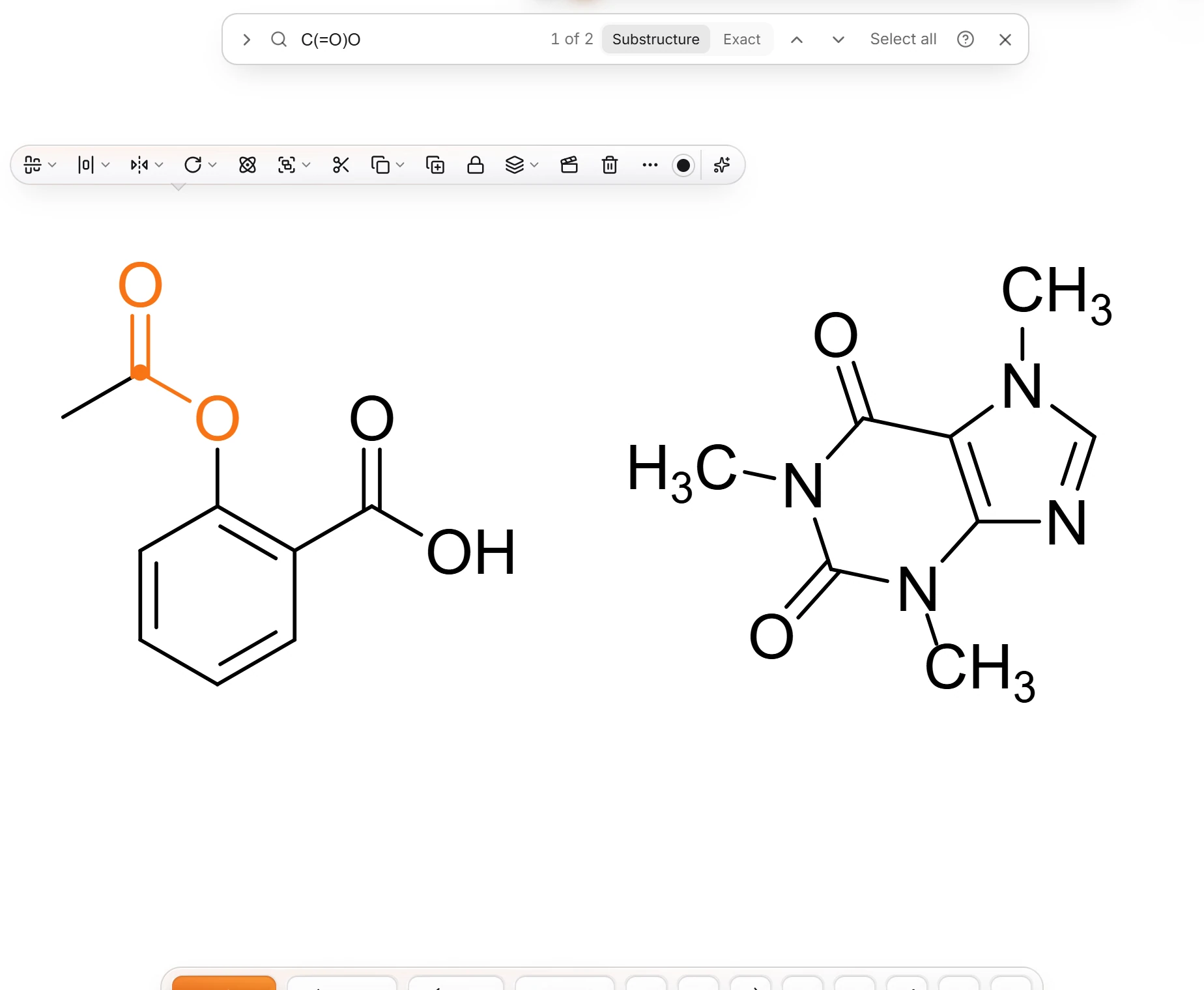
Press Ctrl+F (Edit › Find and replace…), type a SMILES, and choose Substructure or Exact. The arrows step through the matches; Select all selects every one.
Steps
Press Ctrl+F, or choose Main menu › Edit › Find and replace…. The find bar opens at the top of the canvas.
Type the structure as SMILES, for example
C(=O)Ofor a carboxyl or ester group, and press Enter.Choose Substructure to find it inside larger structures, or Exact for whole structures only.
The bar counts the matches (1 of 2) and highlights the current one. Step with the arrows, or press Select all to select every match.
Press Escape or the close button to close the bar.
Is this helpful?
Last updated Nov 12, 2026
- Still stuck? Read the FAQ or contact support.
- Something wrong on this page? Tell us.
- For AI tools: llms.txt