
How to put a predicted spectrum on the page and export it
In the Predicted NMR window, press Insert spectrum to place the spectrum on the page as a figure, then export it like any figure. CSV saves the table of signals, and JCAMP-DX saves the spectrum as a standard data file.
Put it on the page
- Open the prediction: Object › Chemistry › Predict 1H NMR (or 13C).
- Press Insert spectrum. The message says "The predicted spectrum is on the page. Export it from Share like any figure."
- Close the window. The spectrum sits beside the structure, titled Predicted 1H NMR (predicted), with the field and solvent in the corner and a ppm axis. Move and resize it like any picture.
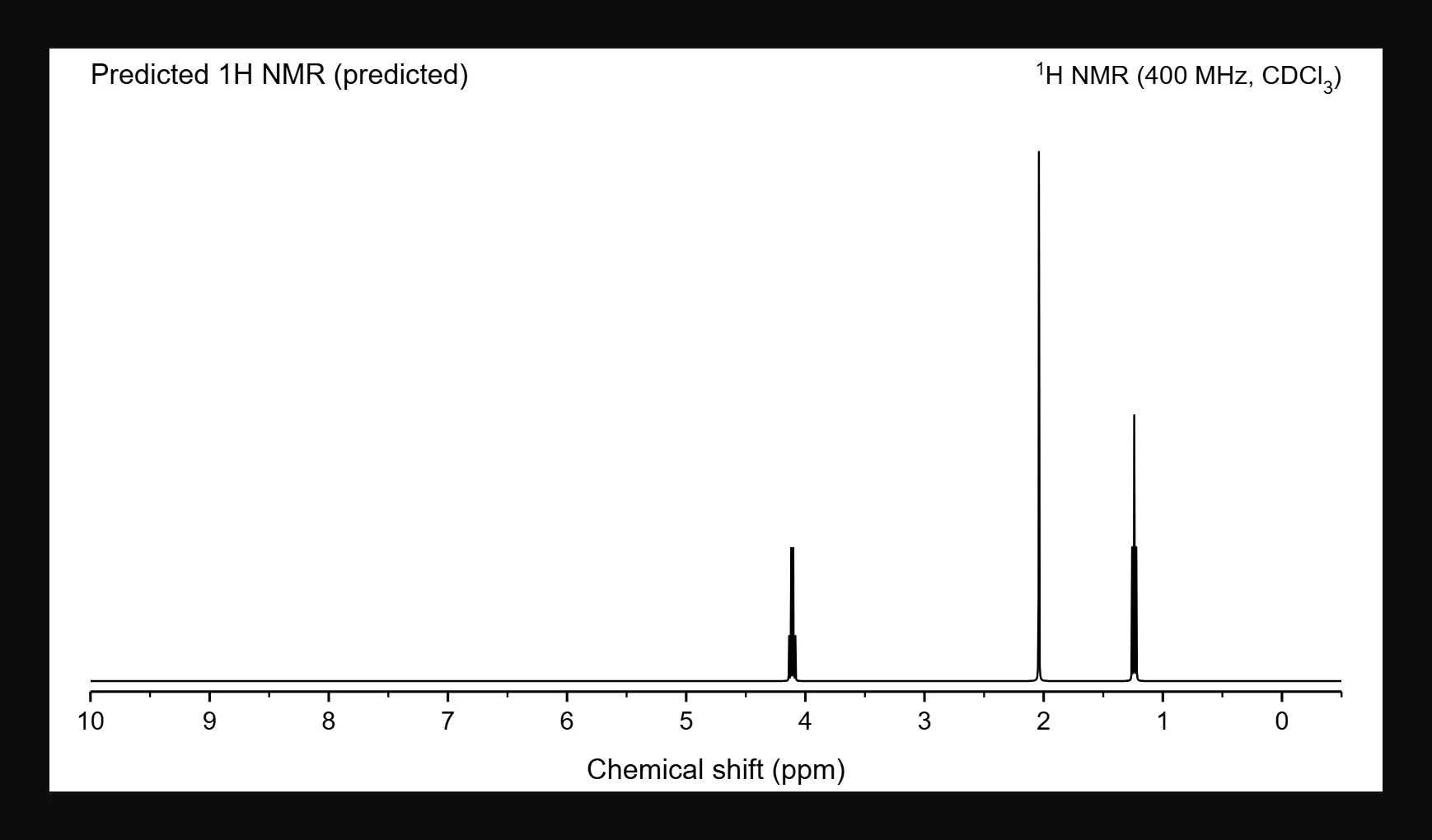
- To make a file, select it and press Ctrl+Shift+E. See How to export a figure or structure file.
Save the data
- CSV saves the table, one signal per row, for a spreadsheet.
- JCAMP-DX saves the spectrum itself as a
.jdxfile, the standard exchange format that NMR software reads. It opens in Athanor again with Insert › Import spectrum.
Is this helpful?
Last updated Nov 12, 2026
- Still stuck? Read the FAQ or contact support.
- Something wrong on this page? Tell us.
- For AI tools: llms.txt