
How to import an NMR, IR or mass spectrum
Choose Insert › Import spectrum and pick a JCAMP-DX file or a zipped Bruker dataset. The spectrum is placed on the page with its axis, ready for Analyze spectrum.
Steps
- In a document, choose Insert › Import spectrum in the Main menu.
- Pick the file. Athanor reads:
- JCAMP-DX files (NMR, IR, MS and UV-Vis), the standard exchange format most instruments and programs can save;
- a zipped Bruker dataset, the folder an NMR spectrometer writes, compressed to a
.zip.
- The spectrum lands on the page with its title and axis.
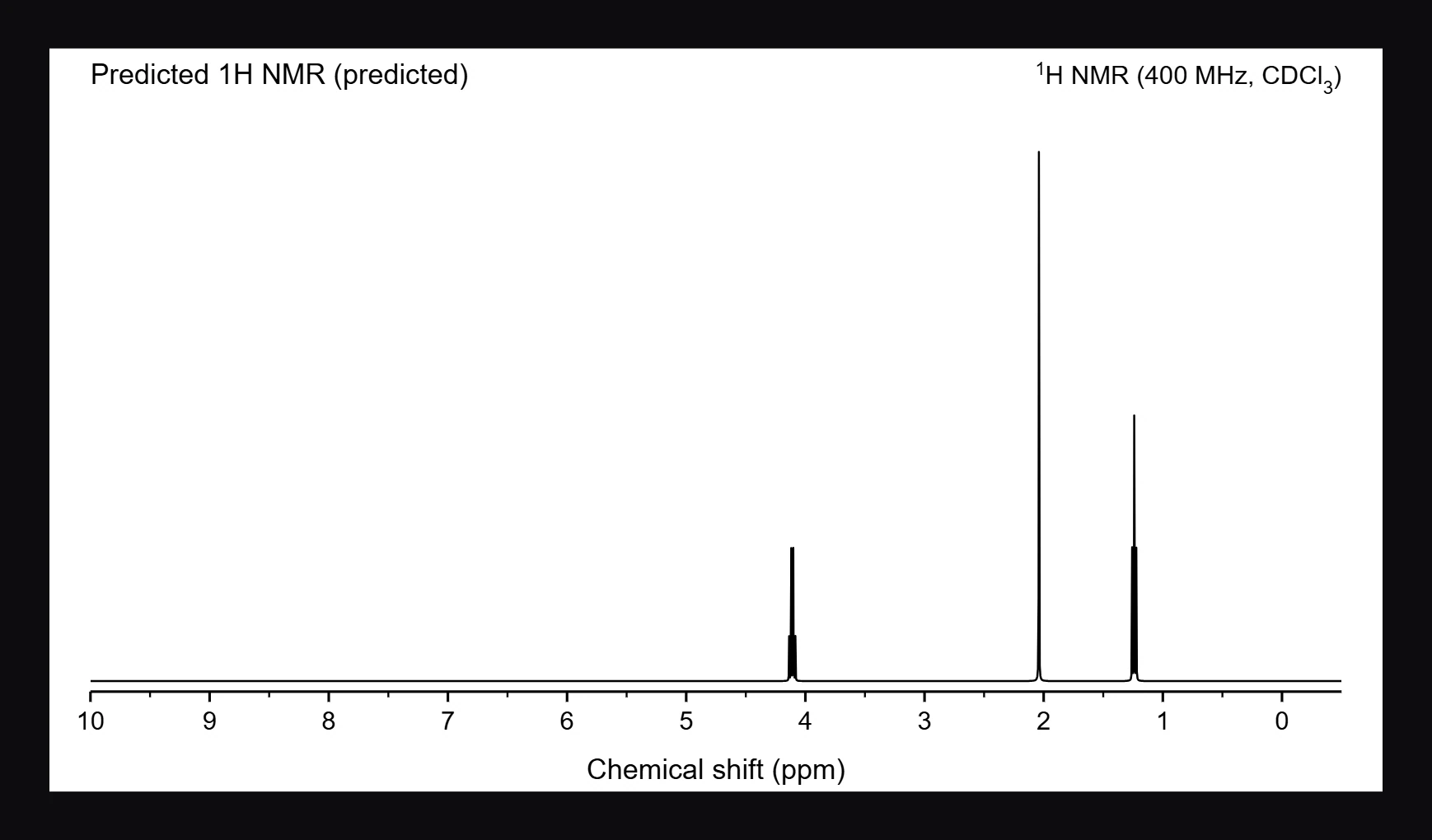
The file in this picture is a JCAMP-DX file saved from Athanor's own prediction for ethyl acetate, so its title says predicted. A file from your spectrometer shows your measured data.
Next
Select the spectrum and use Analyze spectrum to pick peaks and integrate. See How to pick peaks and integrate a spectrum.
Is this helpful?
Last updated Nov 12, 2026
- Still stuck? Read the FAQ or contact support.
- Something wrong on this page? Tell us.
- For AI tools: llms.txt