
How to pick peaks and integrate a spectrum
Select an imported spectrum and choose Analyze spectrum. Press Pick peaks and Integrate; the Peaks and Integrals tabs list the results, and the report line is ready to Copy or Add to page.
Steps
Import the spectrum and select it. See How to import an NMR, IR or mass spectrum.
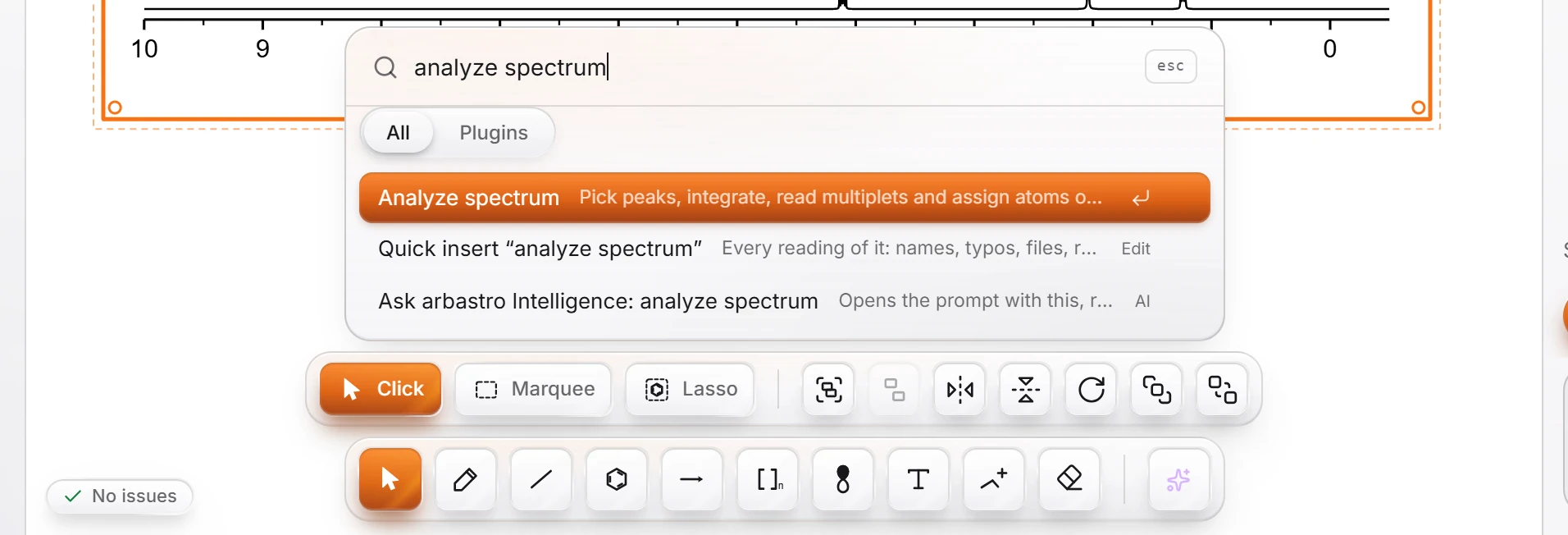
Press Ctrl+K, type
analyze spectrumand press Enter. (With nothing selected the command is dimmed and says "Select a spectrum first".)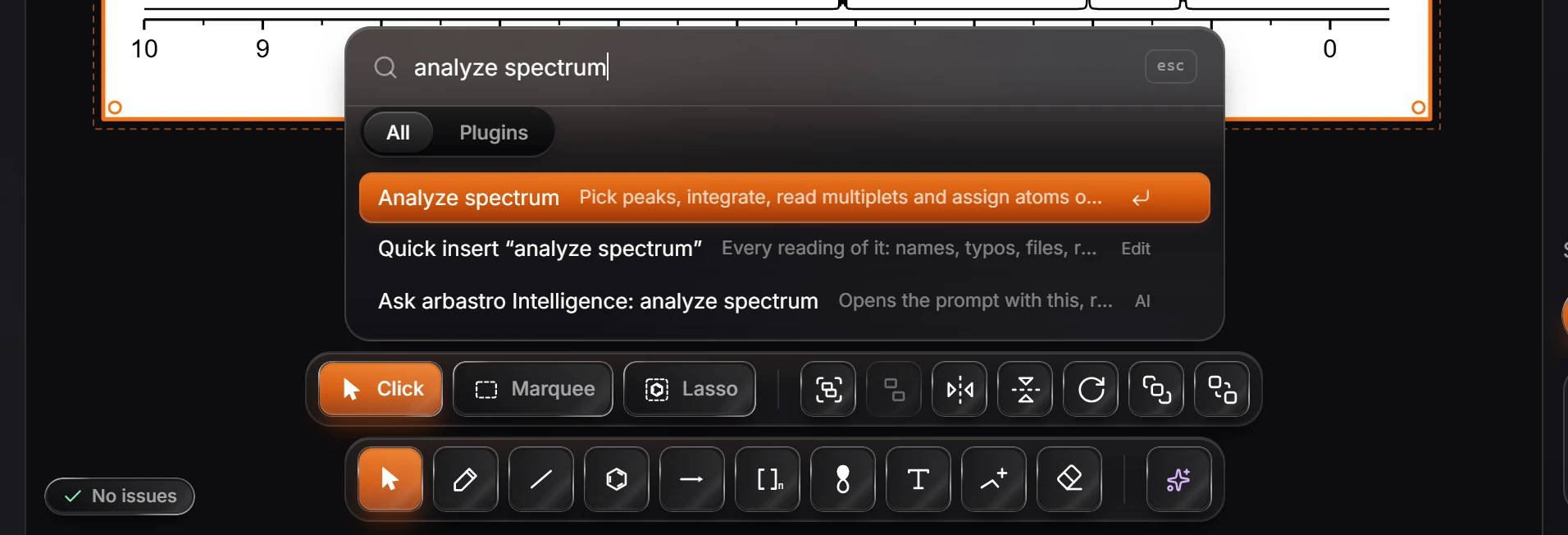
The Analyze spectrum window opens with the spectrum. Press Pick peaks to find the peaks, and Integrate to measure their areas. Clear peaks starts again.
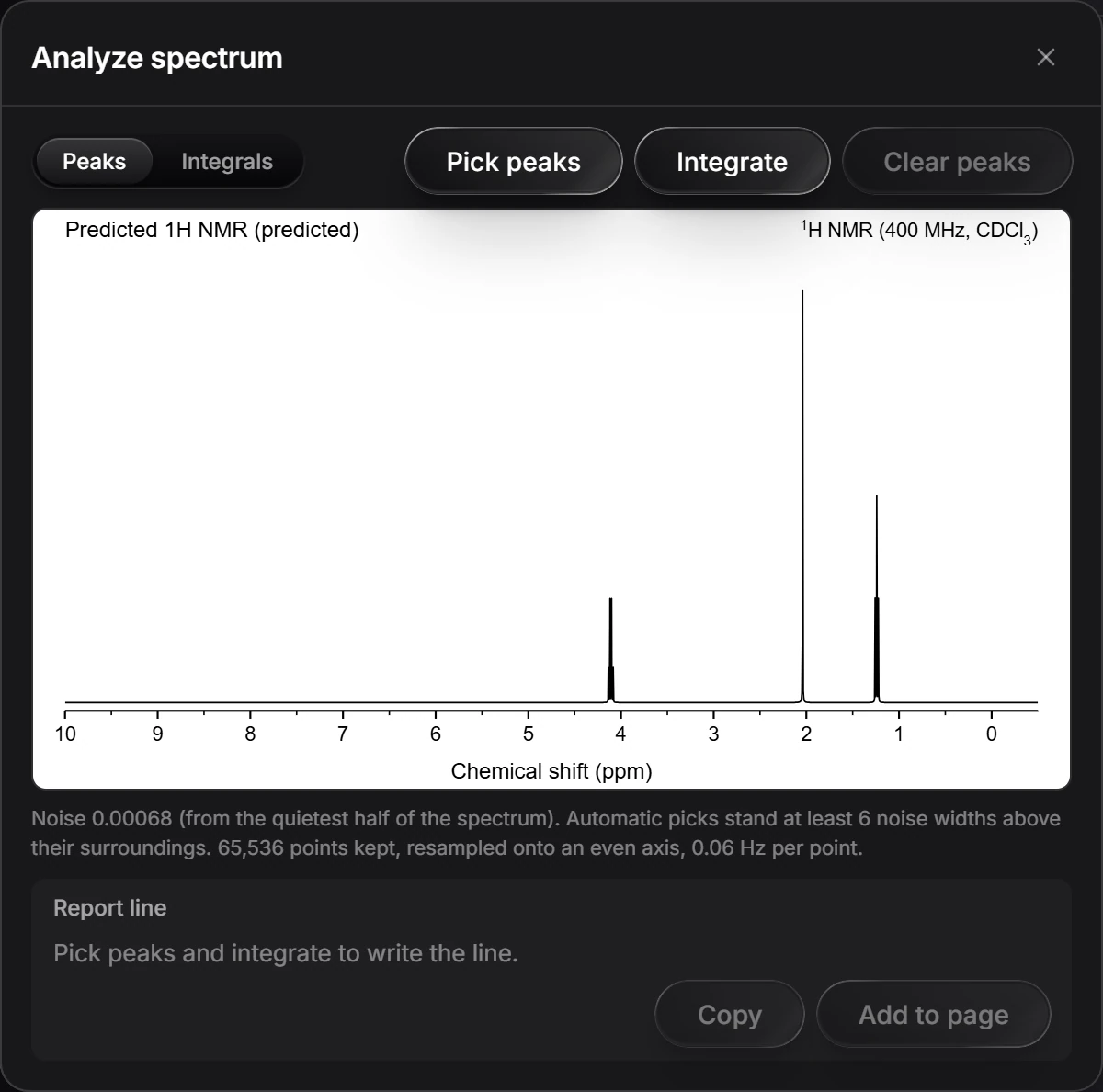
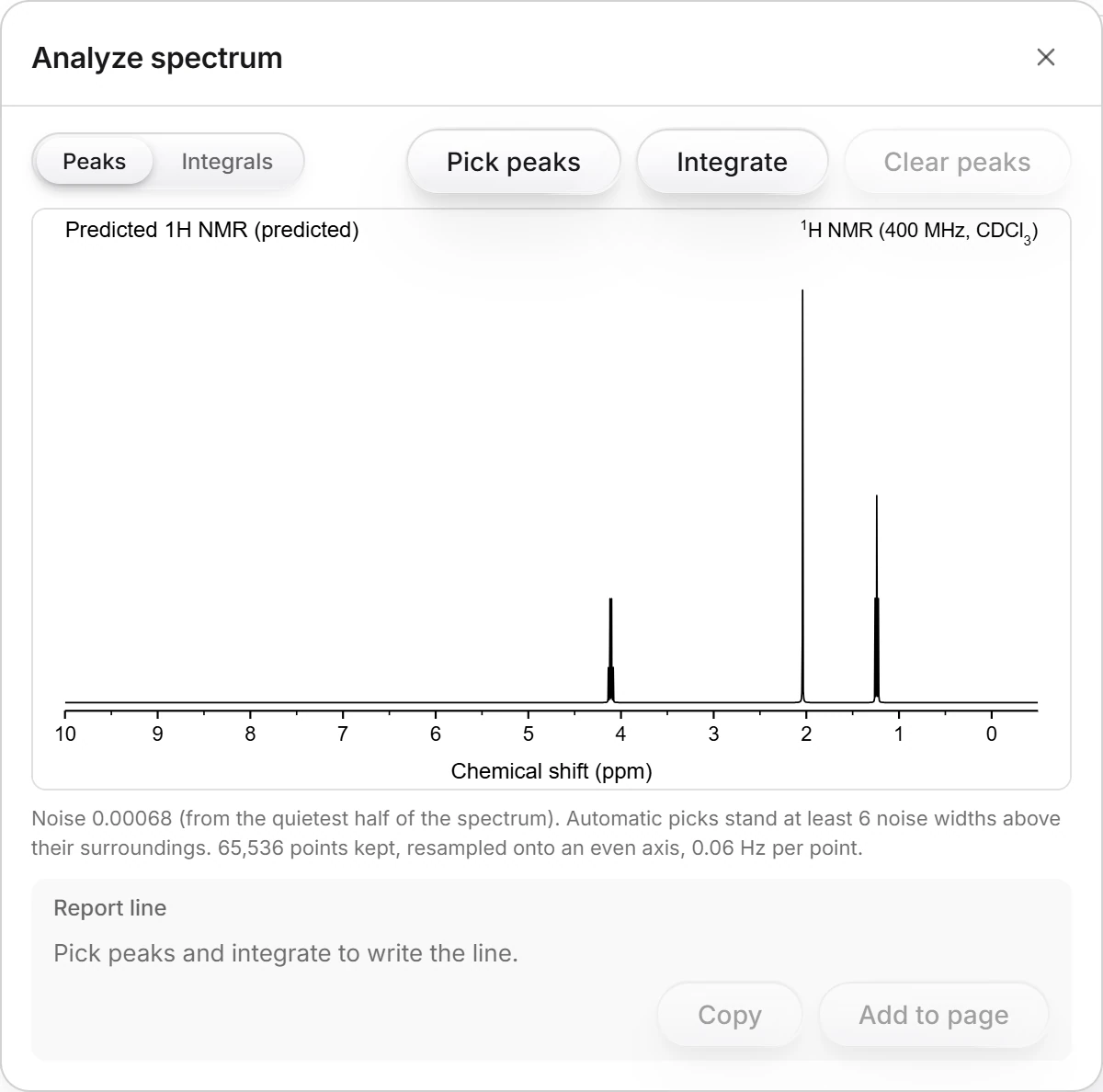
The Peaks and Integrals tabs list what was found. Under the spectrum, the noise level and how the picks were made are written out: automatic picks stand at least 6 noise widths above their surroundings.
The Report line fills in as you pick and integrate. Press Copy to copy it, or Add to page to place it as text.
Is this helpful?
Last updated Nov 12, 2026
- Still stuck? Read the FAQ or contact support.
- Something wrong on this page? Tell us.
- For AI tools: llms.txt