
How to search the literature
Choose File › Search the literature, ask in plain words and press Search. Works come from OpenAlex; Most cited first and Open access only narrow them, and Summarize with AI writes a cited summary.
Steps
Choose Main menu › File › Search the literature.
Ask in plain words, or press Use the example.
Choose Most cited first or Open access only if you want them.
Press Search.
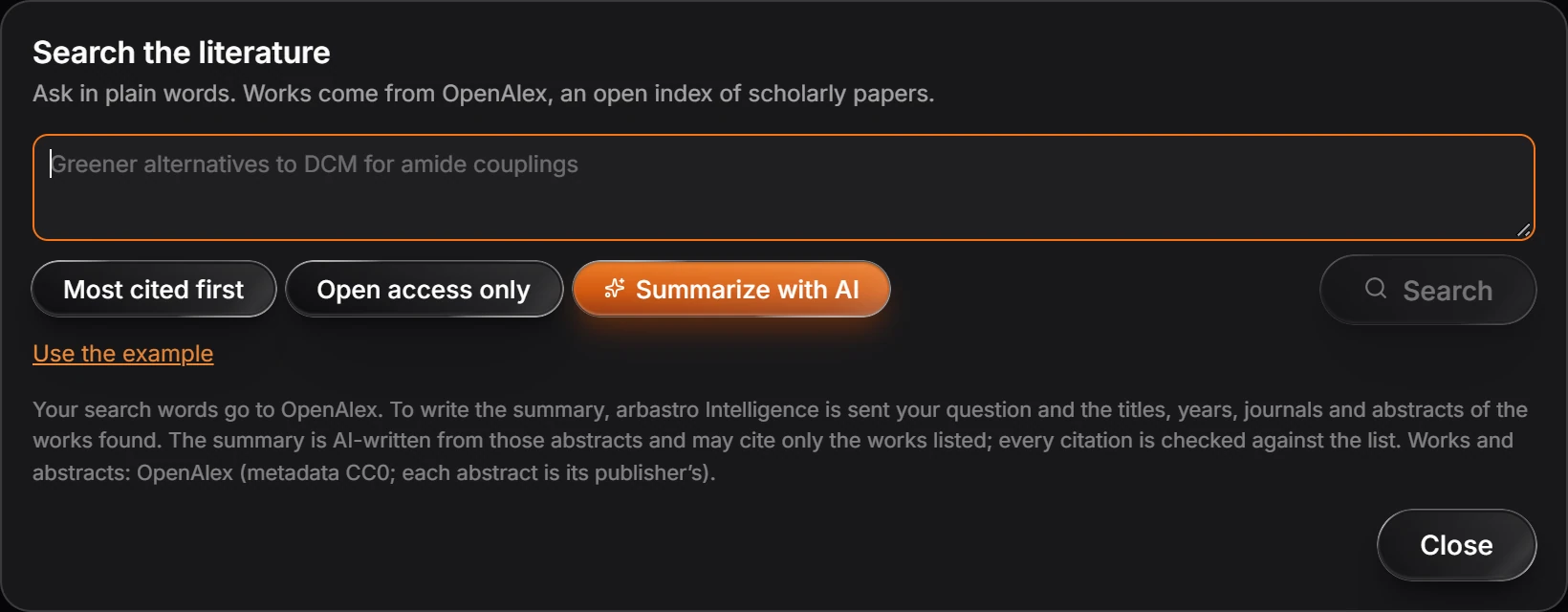
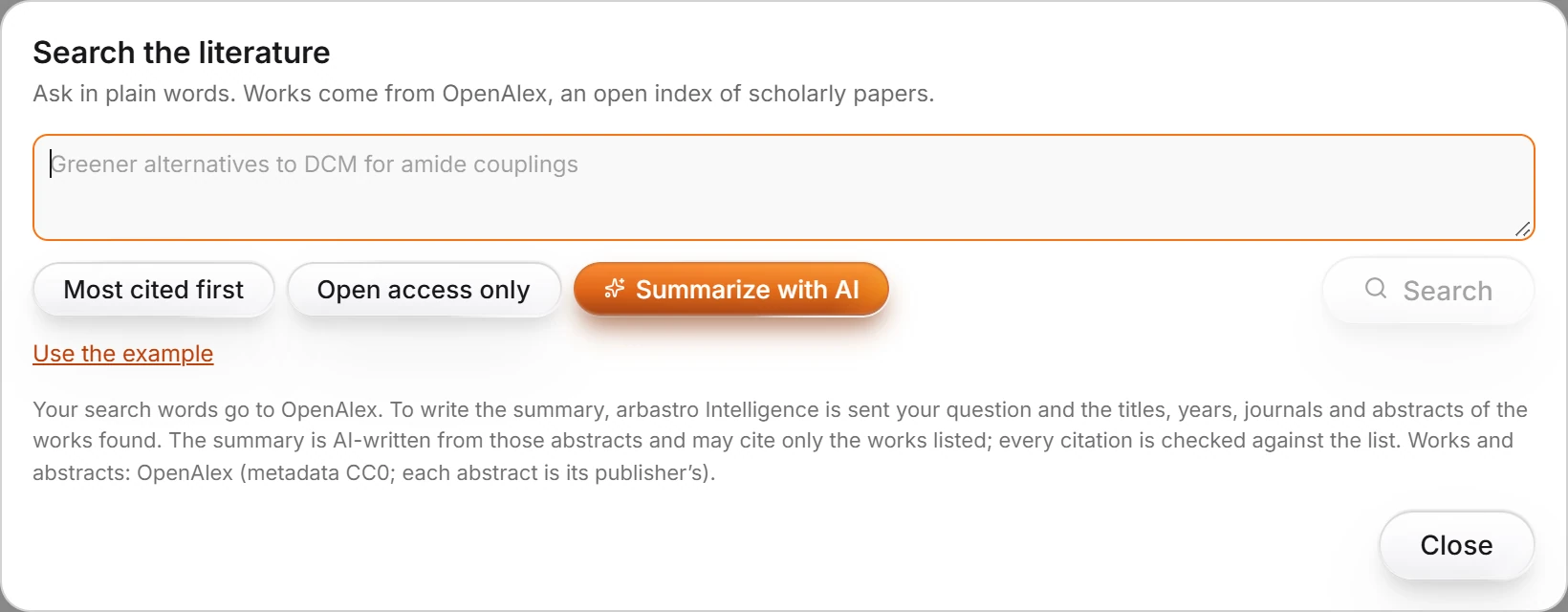
Summarize with AI
Turn on Summarize with AI for a summary written from the abstracts of the works found. It may cite only the works listed, and every citation is checked against the list.
Needs an account
Your search words go to OpenAlex. The summary uses arbastro Intelligence, which needs you signed in: it is sent your question and the titles, years, journals and abstracts of the works found.
Works and abstracts come from OpenAlex (metadata CC0; each abstract is its publisher's).
Is this helpful?
Last updated Nov 12, 2026
- Still stuck? Read the FAQ or contact support.
- Something wrong on this page? Tell us.
- For AI tools: llms.txt