
How to report a problem
Choose Help › Report a problem, say what happened and what you expected, press Copy report, and paste it into a message to arbastro. Help › About Athanor › Copy diagnostics copies the version details.
Steps
Choose Main menu › Help › Report a problem.
Say what happened and what you expected, for example "I drew a ring, pressed Undo, and the bond came back on the wrong atom."
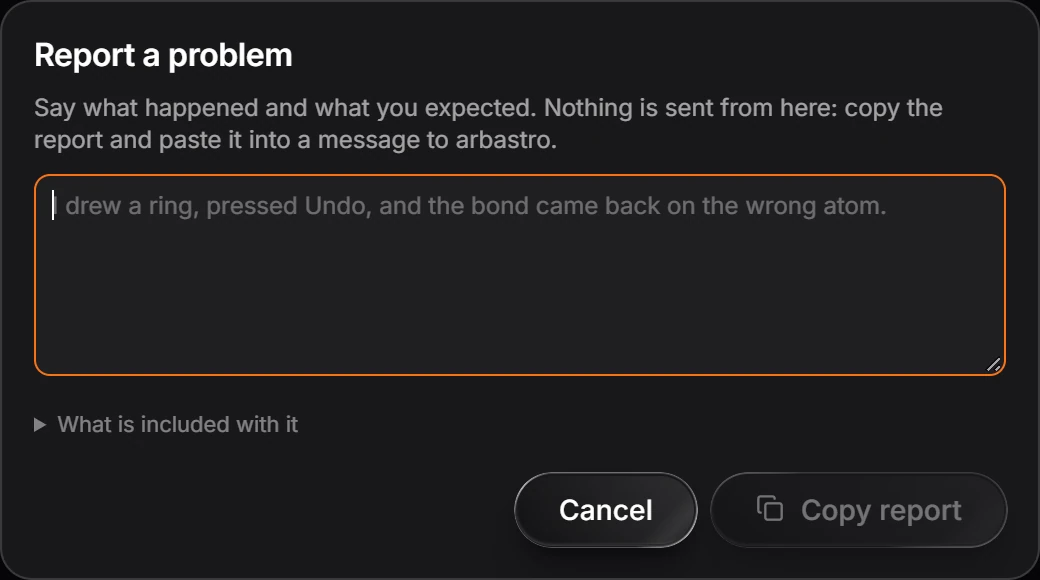
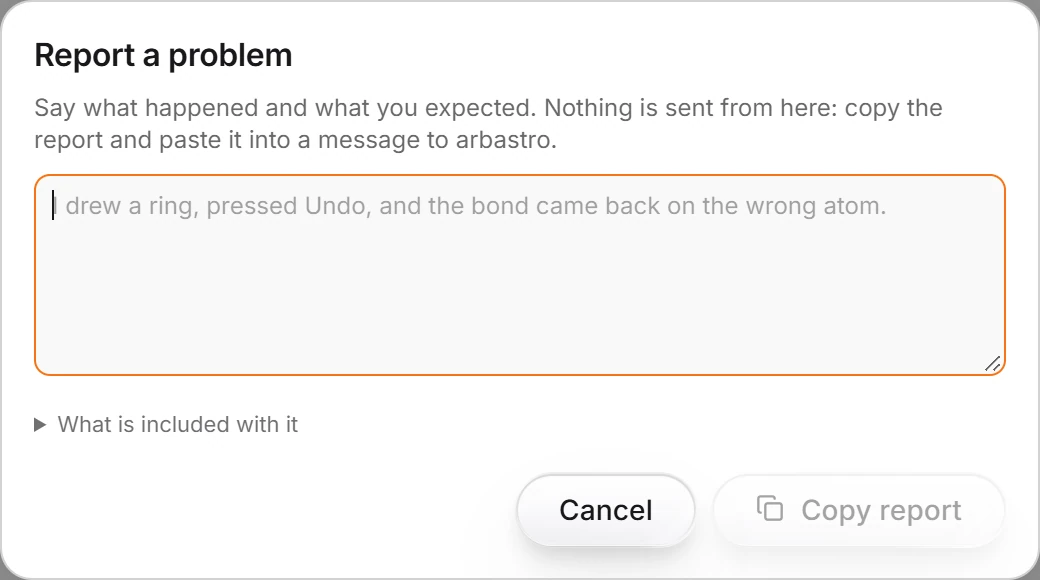
Open What is included with it to see exactly what the report carries.
Press Copy report, and paste it into an email to [email protected].
Note
Nothing is sent from the app: the report goes only where you paste it.
Your version
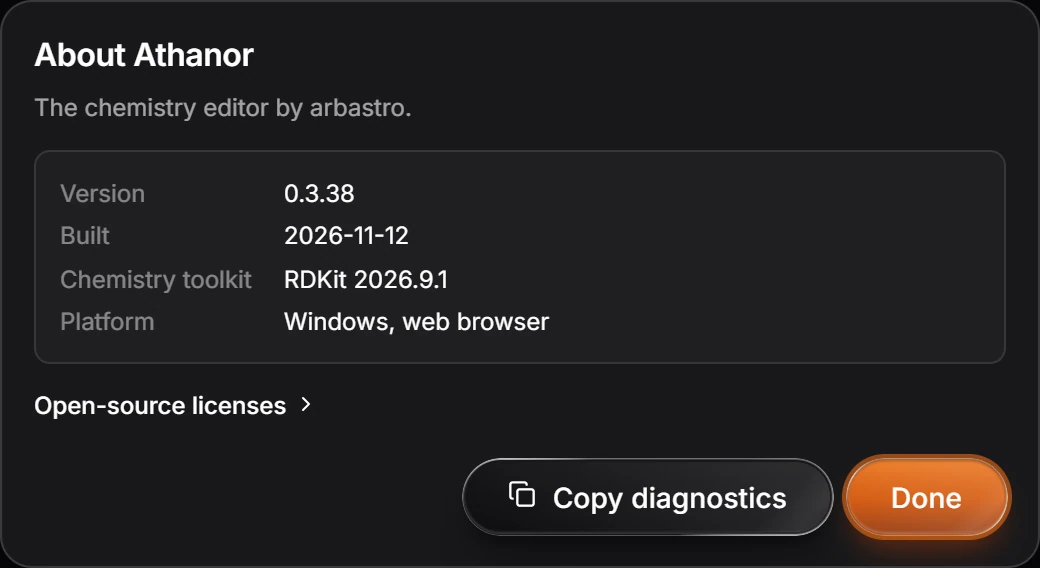
Main menu › Help › About Athanor shows the version, the build date, the chemistry toolkit and the platform. Copy diagnostics copies them.
Is this helpful?
Last updated Nov 12, 2026
- Still stuck? Read the FAQ or contact support.
- Something wrong on this page? Tell us.
- For AI tools: llms.txt